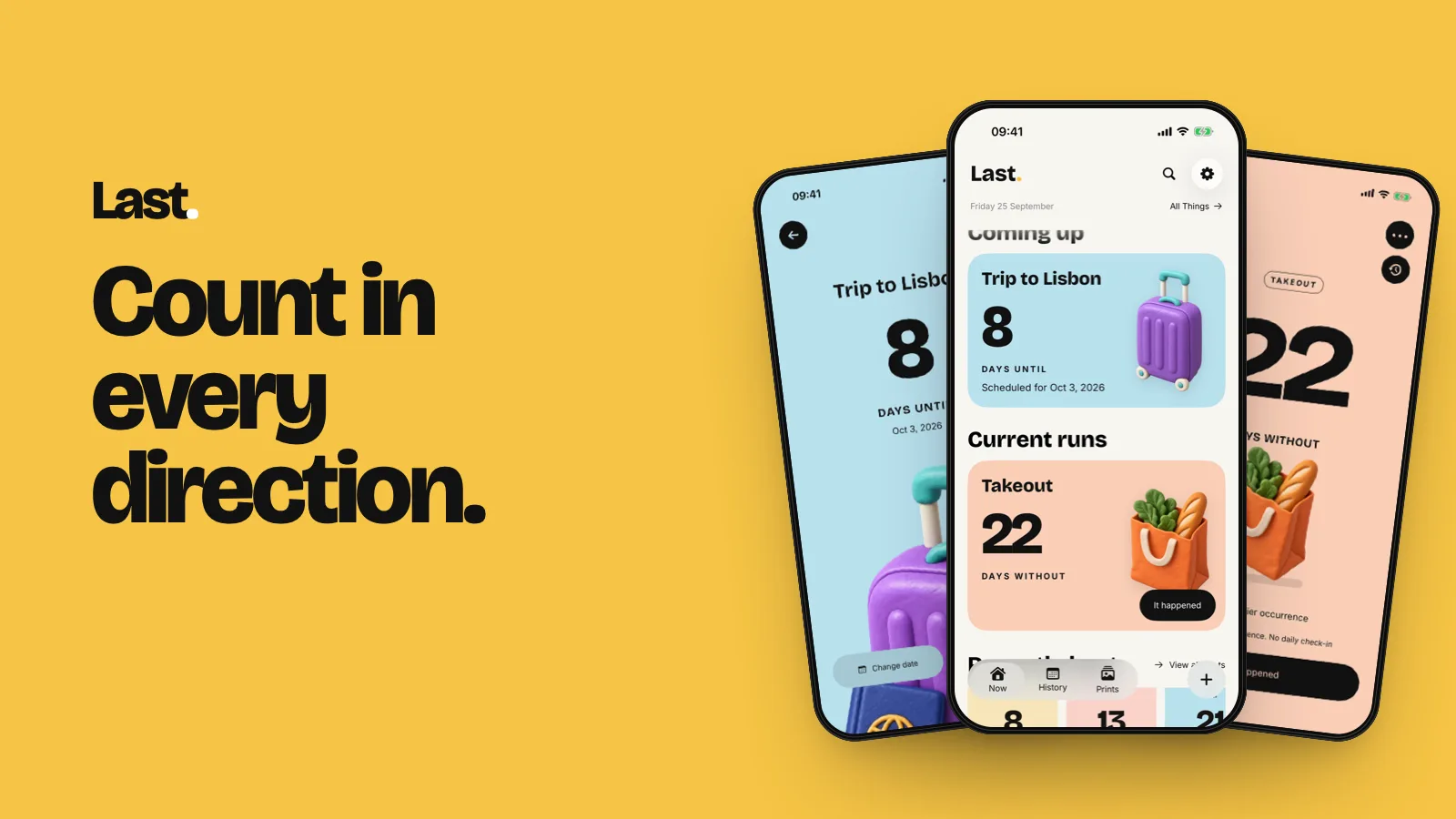
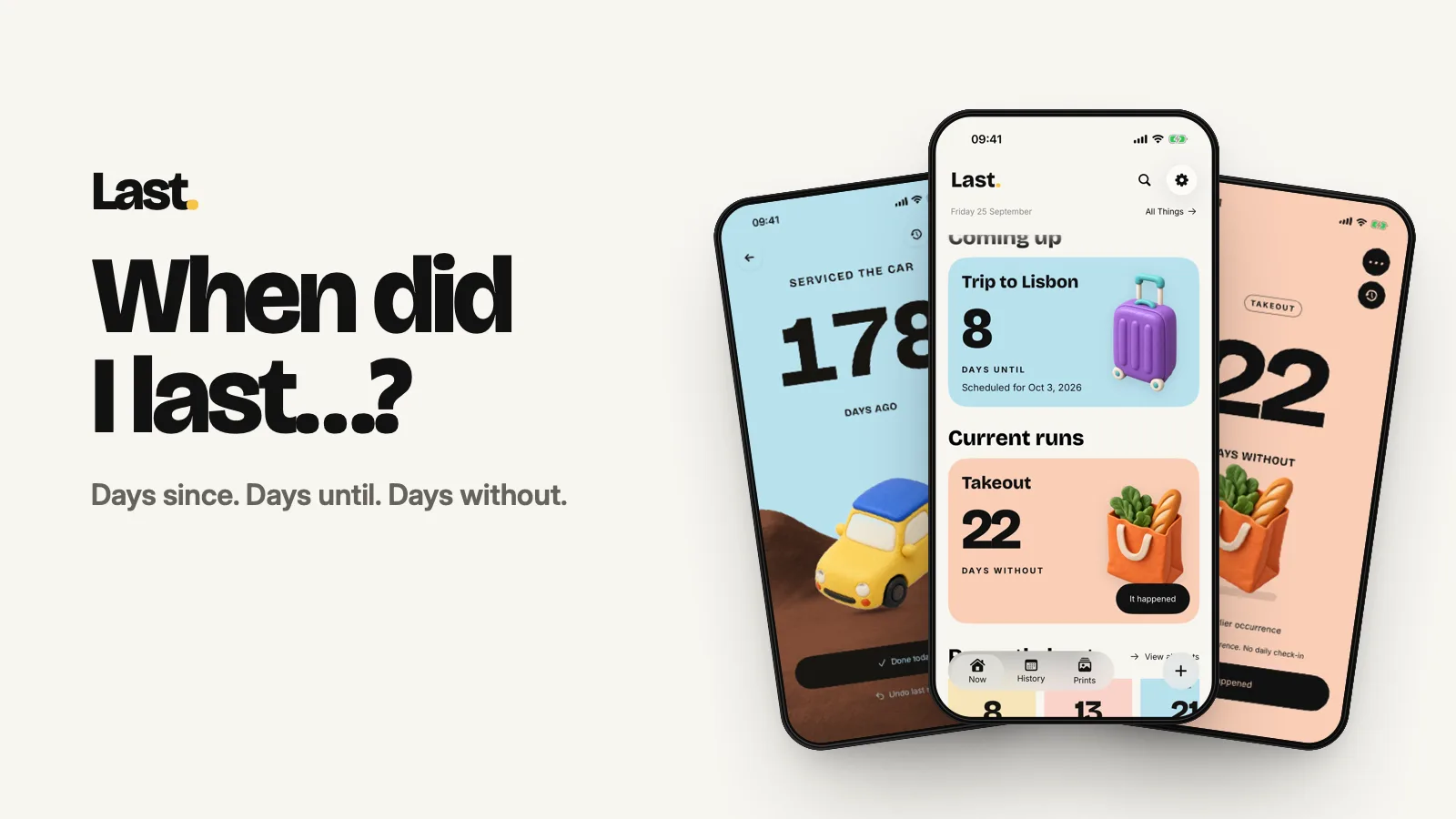
Last. is an app for iPhone, iPad and Apple Watch that answers one question: when did I last…? It shows how many days it's been since you did something, counts down to the days you're waiting for, and counts the runs you're proud of.
Every thing you track gets one big number, a clay-style object and a colour. When you do the thing again, you tap once, the counter starts over, and the old number becomes a print: a small poster you keep. There are no streaks, no scores and no daily check-ins.
What does Last. do?
When you create a thing, you choose how it counts:
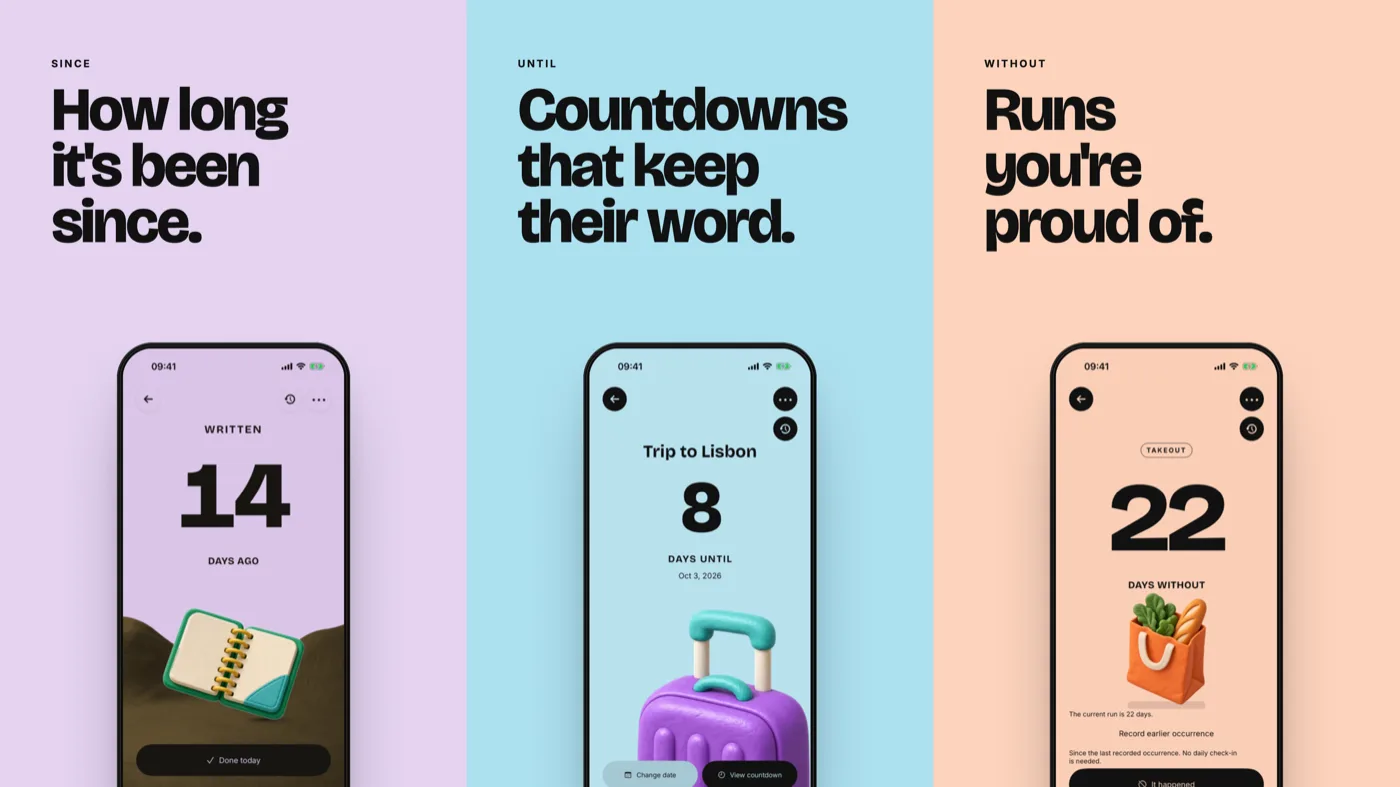
- Since: how long it's been. Car service, water filter, changed the sheets, descaled the kettle. "178 days since the car was serviced" is a Since.
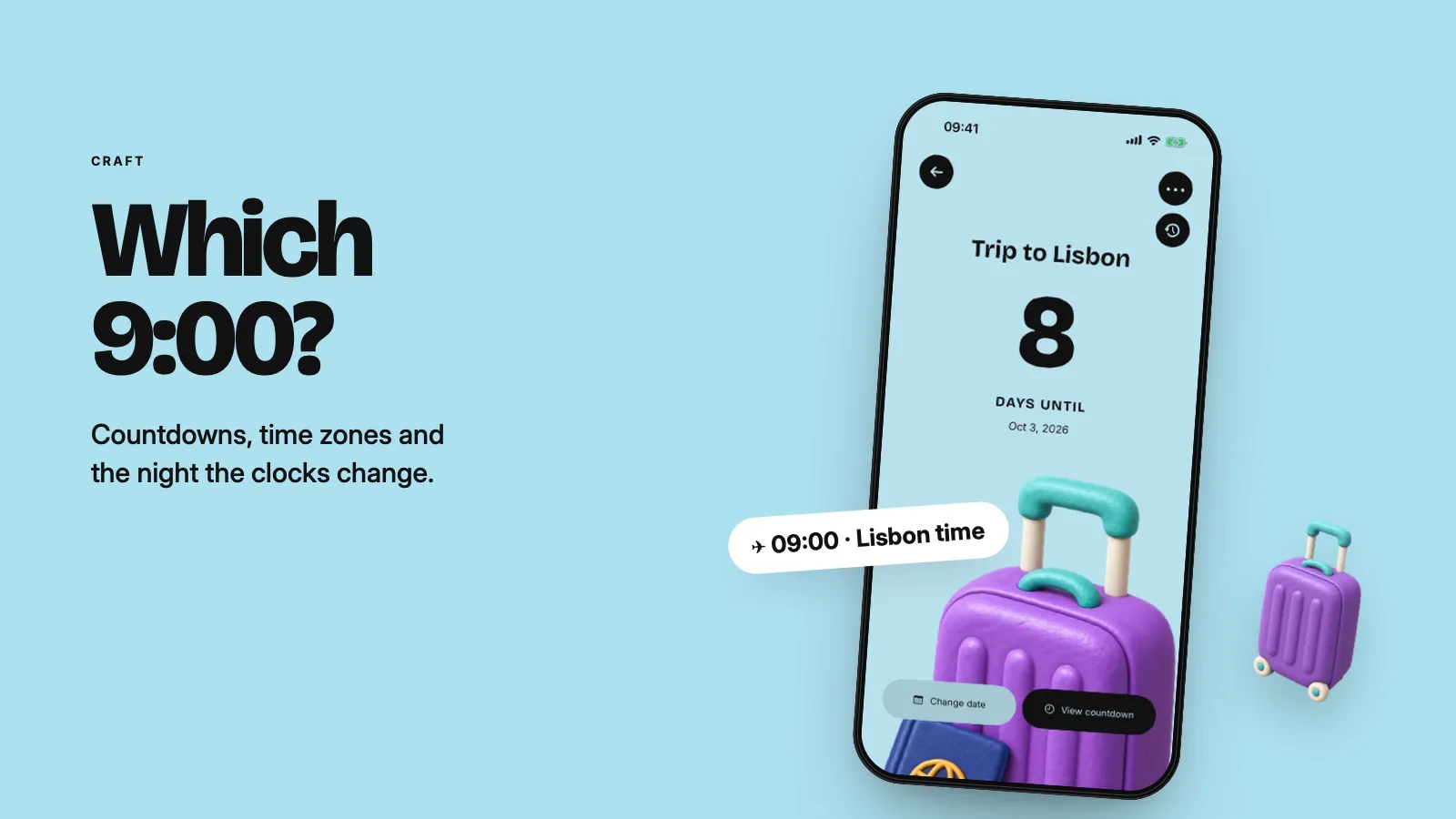
- Until: a countdown to a trip, a concert or a birthday. All-day, or to the minute in the time zone you choose (all 443 your iPhone knows). When the day comes, Last. asks whether it actually happened before it keeps a print.
- Without: days without something you've chosen to skip, like impulse buys or takeout. Each run is drawn in a Run Rhythm, milestones earn a print, and when a run ends it's kept, not wiped.
What is a print?
A print is what a reset leaves behind. The old count, the thing's clay object, its colour and the date are laid out as a poster, rendered on your device. There are 106 clay objects and 16 colours to choose from. Choosing them is free; the Editorial poster style is part of Last Plus and Last Lifetime.
Where can I see my numbers?
- Home Screen and Lock Screen widgets for all three modes.
- Apple Watch complications.
- Live Activities: Keep Handy puts up to three things on your Lock Screen.
Free includes one small Home Screen widget, a basic Lock Screen widget and a basic Watch complication. Every other widget layout and Keep Handy need Last Plus or Last Lifetime.
Who is Last. for?
People who've said "about a month ago" about something that was six months ago. It suits the irregular jobs a habit tracker can't handle, because they aren't daily: filters, services, check-ups, haircuts, the smoke alarm test. It also suits anyone counting down to something, or quietly proud of a run of days without something.
How much does Last. cost?
- Free: up to 7 things, unlimited resets, a print for every reset. No ads.
- Last Plus: US$2.99 a month, or US$19.99 a year with a 7-day free trial.
- Last Lifetime: US$59.99 once.
Plus and Lifetime unlock the same things: unlimited things, full history with Gap Rhythm and the Year view, the full print archive, every widget layout, Keep Handy, high-resolution and video export, and iCloud sync. Prices are US prices; local prices vary.
What happens to my data?
There's no account, no ads and no cross-app tracking. Your things live on your device. Members get automatic sync through their own private iCloud database, and can switch to on-device only at any time. Anyone, free or paid, can export and import a full backup file. The details are in the privacy policy.
Which devices and languages?
Last. runs on iPhone and iPad (with a dedicated iPad layout) and Apple Watch. It's available in English, French, German, Spanish, Japanese, Korean and Simplified Chinese, with an in-app language choice. Get it on the App Store; search "Last." (the full listing name varies by country).
Who makes Last.?
Last. is made by Bami O., an independent developer. Version 1.0 came out on 12 September 2026, and version 1.2026.2 added Until, Without, iPad and six more languages on 30 September 2026. Every change is in the changelog.
FAQ
Is Last. a habit tracker?
No. Habit trackers count days in a row and reset you to zero when you miss one. Last. counts days since, so there's no schedule to miss. More on that in Why Last. has no streaks.
Is Last. free?
Yes, for up to 7 things, with no ads and no time limit. Last Plus or Last Lifetime unlocks unlimited things and the rest.
What's the difference between Last Plus and Last Lifetime?
Only the billing. Both include every paid feature and iCloud sync. Plus is monthly or yearly; Lifetime is one payment.
Does Last. need an account?
No. There's no sign-up. Sync, if you're a member, uses your own iCloud.
Can Last. count down to a time, not just a date?
Yes. Until countdowns can be all-day or timed, in any time zone. If a time doesn't exist or happens twice because of a daylight saving change, Last. asks which one you meant.
Will Last. send me reminders every day?
No. Reminders are optional for each mode, and there's never a daily check-in.