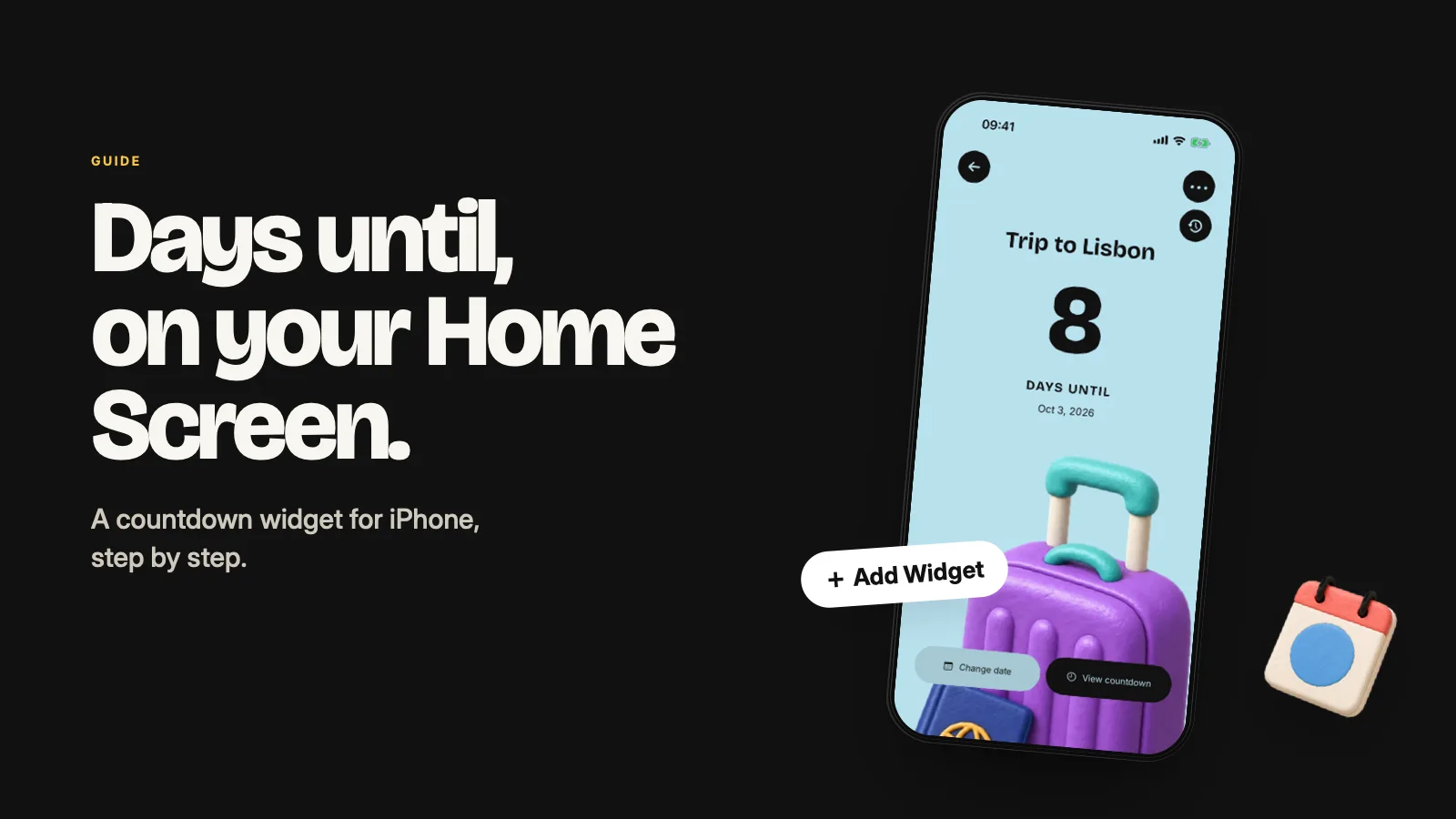
iPhone doesn't come with a widget that counts the days to a date, so you need an app for it. Install a countdown app, create your countdown, then add its widget: touch and hold the Home Screen, tap Edit, tap Add Widget, and pick the app.
Below are the full steps for the Home Screen and the Lock Screen, what you can do without an app, and what to look for in a countdown widget that's actually free.
Is there a countdown widget built into iPhone?
No. The Clock app's timer counts hours, minutes and seconds, up to 23 hours, 59 minutes and 59 seconds, so it can't count down three weeks to a trip. The Calendar widget lists your upcoming events; it doesn't turn one into a "12 days to go" number. For a day count on your Home Screen or Lock Screen, you need an app with a countdown widget.
How to add a countdown widget to your Home Screen
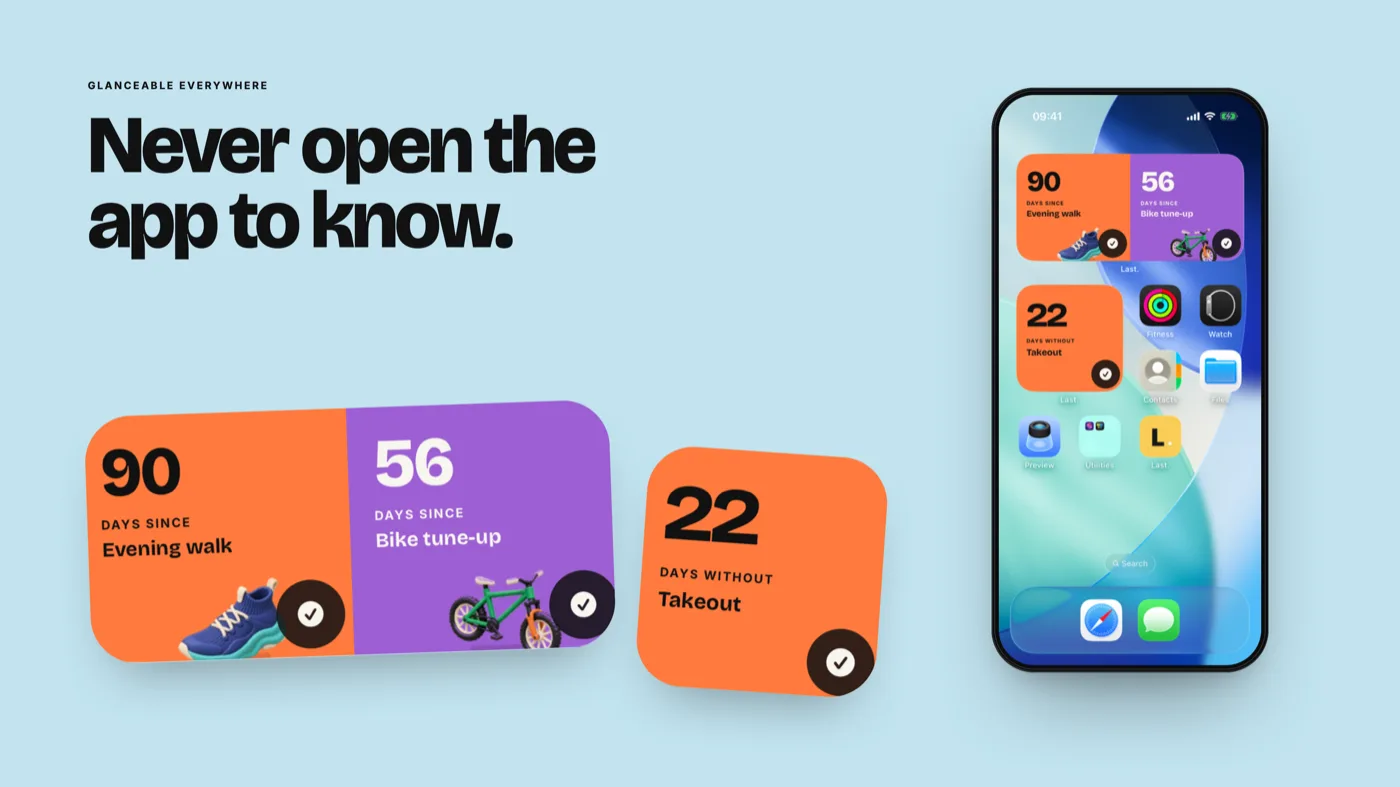
These steps use Last., a free iPhone app that counts days since, days until and days without. The widget steps are Apple's, so they're the same for any app (Apple Support).
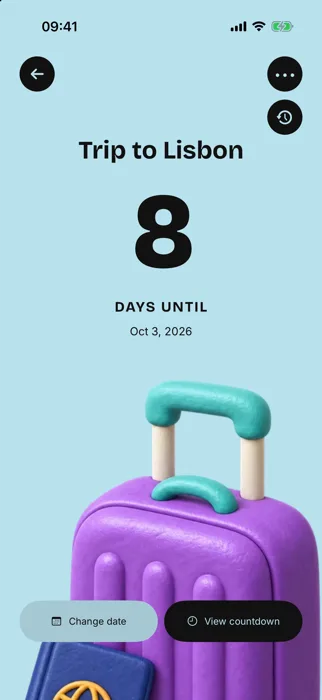
- Create the countdown. Open Last., tap to add a new thing, choose Until, name it ("Trip to Lisbon") and pick the date. It can be all-day, or a time in any time zone.
- Go to your Home Screen and touch and hold a widget or an empty area until the apps jiggle.
- Tap Edit in the upper-left corner, then Add Widget.
- Search for Last. and choose Last Things. Pick the small size, then tap Add Widget.
- Choose your countdown. Touch and hold the new widget, tap Edit Widget, and under Things pick the countdown you want it to show.
- Tap Done.
How to add a countdown to your iPhone Lock Screen
- Touch and hold the Lock Screen until the Customize button appears, then tap Customize.
- Tap Add Widgets.
- Find Last. and choose Last Counters: a circle, a rectangle, or a line of text above the clock.
- Tap the widget to choose which countdown it shows.
- Swipe down from the widget list and tap Done.
Lock Screen widgets need iOS 16 or later. If there's no room, remove a widget first (Apple Support).
Can you make a countdown on iPhone without an app?
Not as a number. The closest you'll get is a Calendar event with an alert, and the Calendar widget listing it as it gets close. That tells you when something is. It doesn't show how many days are left, and it disappears into the list of everything else you have on.
What makes a good countdown widget?
- A widget that's actually free. Check before you set it up. In Last., the small Last Things widget, the Last Counters Lock Screen widget and a basic Apple Watch complication are free, with up to 7 things and no ads.
- Times and time zones, not just dates. A flight at 9:00 in Lisbon isn't 9:00 at home. Last. counts to the minute in the time zone you choose, and asks which time you meant if a daylight-saving change makes one ambiguous.
- An honest ending. When the day comes, Last. asks whether it actually happened before it keeps a print, so a cancelled trip doesn't become a keepsake.
- No nagging. Reminders are optional. For a countdown, Last. offers one, at the target date, or none.
Last. also counts the other way: days since you last did something, like the car service or the smoke alarm test, and days without something you've chosen to skip. More in What is Last.? and Countdowns are harder than they look.
FAQ
Is there a free countdown widget for iPhone?
Yes. Last.'s small Home Screen widget (Last Things) and its Last Counters Lock Screen widget are free, with up to 7 things. Larger layouts, unlimited things and iCloud sync come with Last Plus or Last Lifetime.
Can I put a countdown on my iPhone Lock Screen?
Yes, on iOS 16 or later. Touch and hold the Lock Screen, tap Customize, tap Add Widgets, and choose a countdown app's widget.
How do I change which countdown the widget shows?
Touch and hold the widget, tap Edit Widget, and choose a different countdown.
Can a countdown widget count down to a specific time?
In Last., yes. Until countdowns can be all-day or timed, in any of the 443 time zones your iPhone knows.
What happens when the countdown reaches zero?
Last. asks whether the day actually happened. If it did, it keeps a print of the countdown, a small poster with the date.