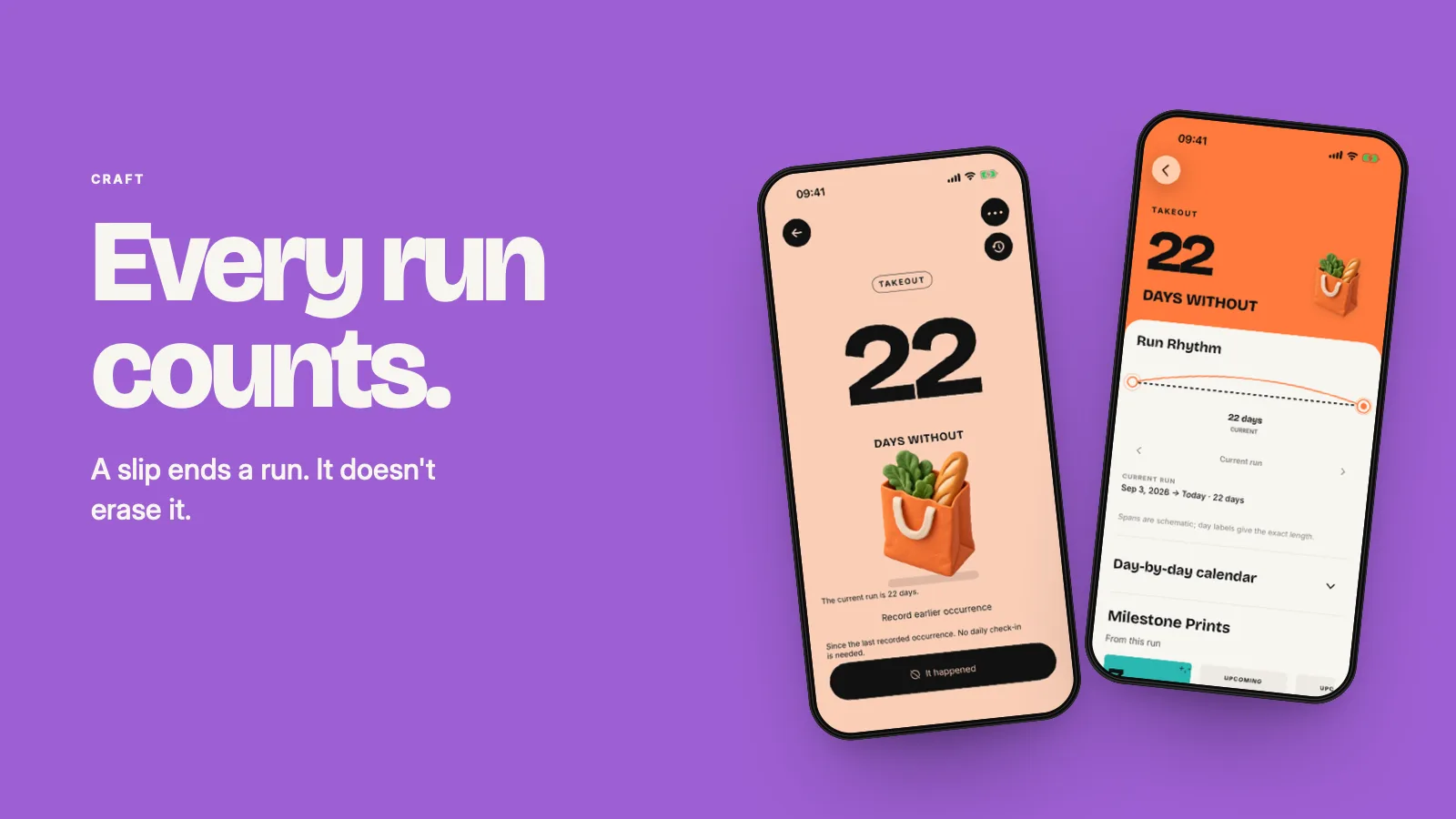
A days-without counter should count the days since you last did something, and keep every run you've had. Most of them only do the first half.
To count days without something, pick a start date, count the calendar days since then (or since the last time it happened), and when it happens again, record the date and start a new run. The important part is the last step: the old run goes into a record, not the bin.
What is a days-without counter?
It's a number that goes up by one every day you don't do a thing you've decided to skip. Impulse buys. Takeout. Hitting snooze. Doomscrolling after midnight. It's a scoreboard for the things you've chosen to skip.
It's different from a habit streak. A streak counts a thing you do every day, and punishes the day you don't. A days-without counter counts a thing you aren't doing, and needs nothing from you on a normal day. You don't have to check in to not order takeout.
Why do most counters erase your progress?
Because they only store one number. A typical days-without counter is a start date and a subtraction. When you slip, you press reset, the start date moves to today, and the number drops to zero. The 33 days before it are gone. Not archived, not dimmed. Gone.
That's a strange thing for software to do. It knows you went 33 days. It had the number on screen that very morning. Then it throws it away and shows you a zero, as if the month never happened.
I think this is why so many of these counters get deleted after the first reset. The number that was motivating you on Tuesday becomes an accusation on Wednesday.
What should happen when a run ends?
When I built Without into Last., I wanted the answer to be: it gets kept. Here's what a real run history looks like, for a thing called "Impulse buys":
- First run: 33 days, then one impulse buy.
- Second run: 30 days, then another.
- Current run: 53 days and counting.
A counter that erases would show you 53 and nothing else, or worse, show you 0 on the day of each slip. The honest summary is different: 116 days without, across three runs, with two slips. And the newest run is the longest. That's not a story about failure. That's a story about getting better at something.
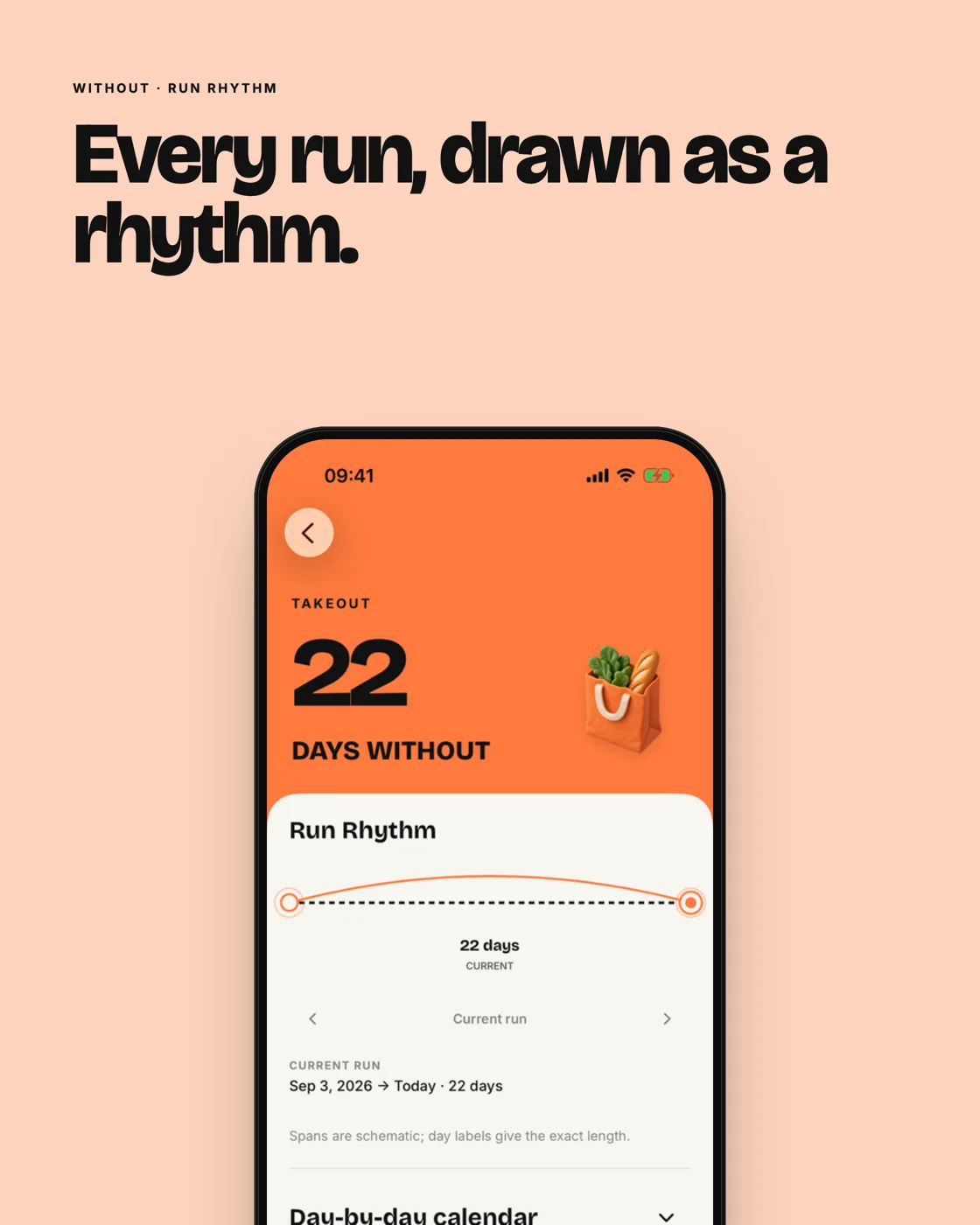
In Last., that history is drawn as a Run Rhythm: each run is an arch with its exact day count, the current run ends at today, and a day-by-day calendar sits underneath if you want it.
How do I count days without something in Last.?
- Create a new thing and choose Without. Name it the way you'd say it: "Impulse buys", "Takeout", "Snooze button".
- Pick the day the run started. It can be today or a day in the past.
- That's it. The number counts up by itself. There's no daily check-in.
- If it happens, tap It happened. The run is kept and a new one starts.
- Forgot to log one? Record earlier occurrence puts it on the right day.
Milestones you can keep
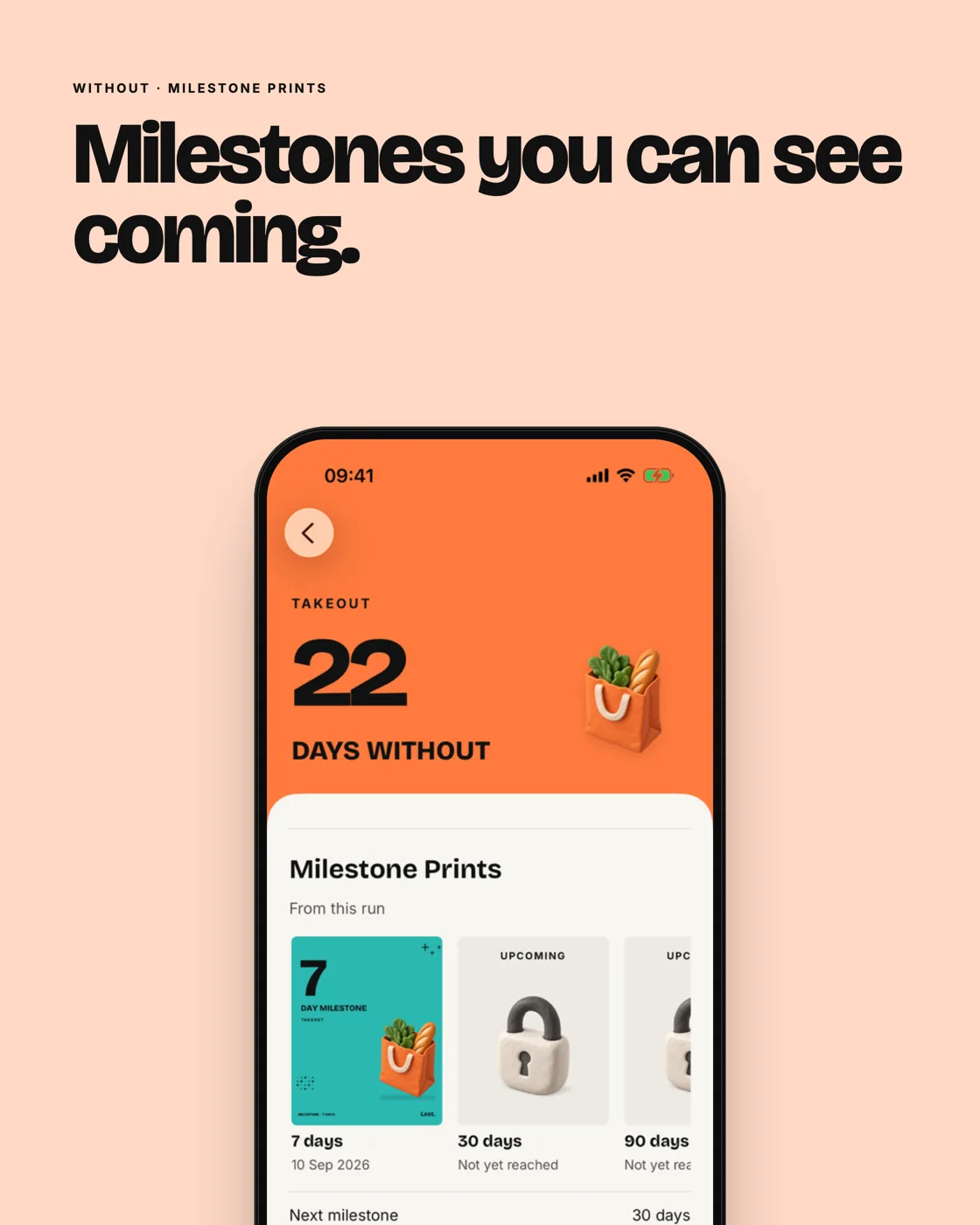
Runs earn milestone prints along the way: small posters with the day count, the thing's clay object and the date you reached it. They're yours even if the run ends the next day.
Pride, not pressure
Without is for choices you're proud of. It doesn't judge the day a run ends: no red X, no wilted plant, no "you failed". The run ends, you start again, and the one you had still counts. Frankly, that's how people actually change things. In runs, not in one unbroken line.
FAQ
How do I count days without something?
Choose a start date and count the calendar days since then, or since the last time it happened. Record each date it happens so every run is kept.
What happens to my count if I slip?
In most counters, it resets to zero and the old run disappears. In Last., the run ends, it stays in your Run Rhythm with its day count, and a new run starts.
Do I have to check in every day?
No. A days-without counter counts from the last recorded occurrence, so a normal day needs nothing from you.
Is there a free days-without counter app?
Last. is free for up to 7 things across all three modes (Since, Until and Without), with no ads and no account.